


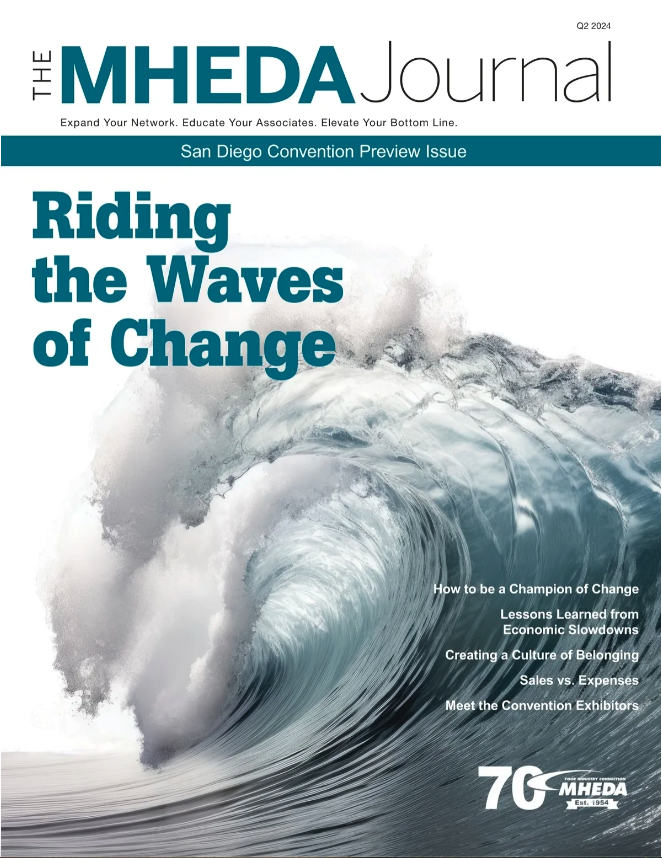
New Issue - The MHEDA Journal
Digital Version Now Available
In this Convention Preview issue, check out articles from Convention speakers: Joe Theismann, Paul Reilly, Chris Czarnik, Matthew Pollard, Dr. Albert Bates and Princess Sarah. Take a moment to learn more about the exhibitors displaying in San Diego with Meet the Exhibitors. Many more relevant topics are featured in this issue including the MHEDA Board share lessons learned from economic slowdowns.
DSC Due Date Extended
On average, it takes less than one hour to complete.
The MHEDA Distributor Statistical Comparisons (DSC) Report is one of the most comprehensive financial benchmarking tools available to help distributor/integrator members better manage their business to be more profitable. There are three DSC studies, one focused on Industrial Trucks, one concentrated on Storage and Handling and one dedicated to Systems Integrator companies.

Wow! Look Who’s Registered
600+ Attending MHEDA Convention
Looking for a fun and productive way to network with your peers? Register now for MHEDA’s Convention in sunny San Diego, CA! Join us April 20-24 for an engaging industry event and “Ride the Waves of Change.” There is still time for YOU to register, too! But hurry, space is filling up quickly.
New! Marketing Webinar Series
Presented by Site Seeker. May 16 – June 13 – June 27
You are invited to learn and participate in a three-part marketing webinar series designed to help your organization improve website SEO, unveil the potential of AI and learn how to double your marketing impact with personalized ads and emails. Register for one, two or three FREE webinars today!
2024 Membership Dues Renewal - Login to your company profile and follow the prompts to submit payment online.